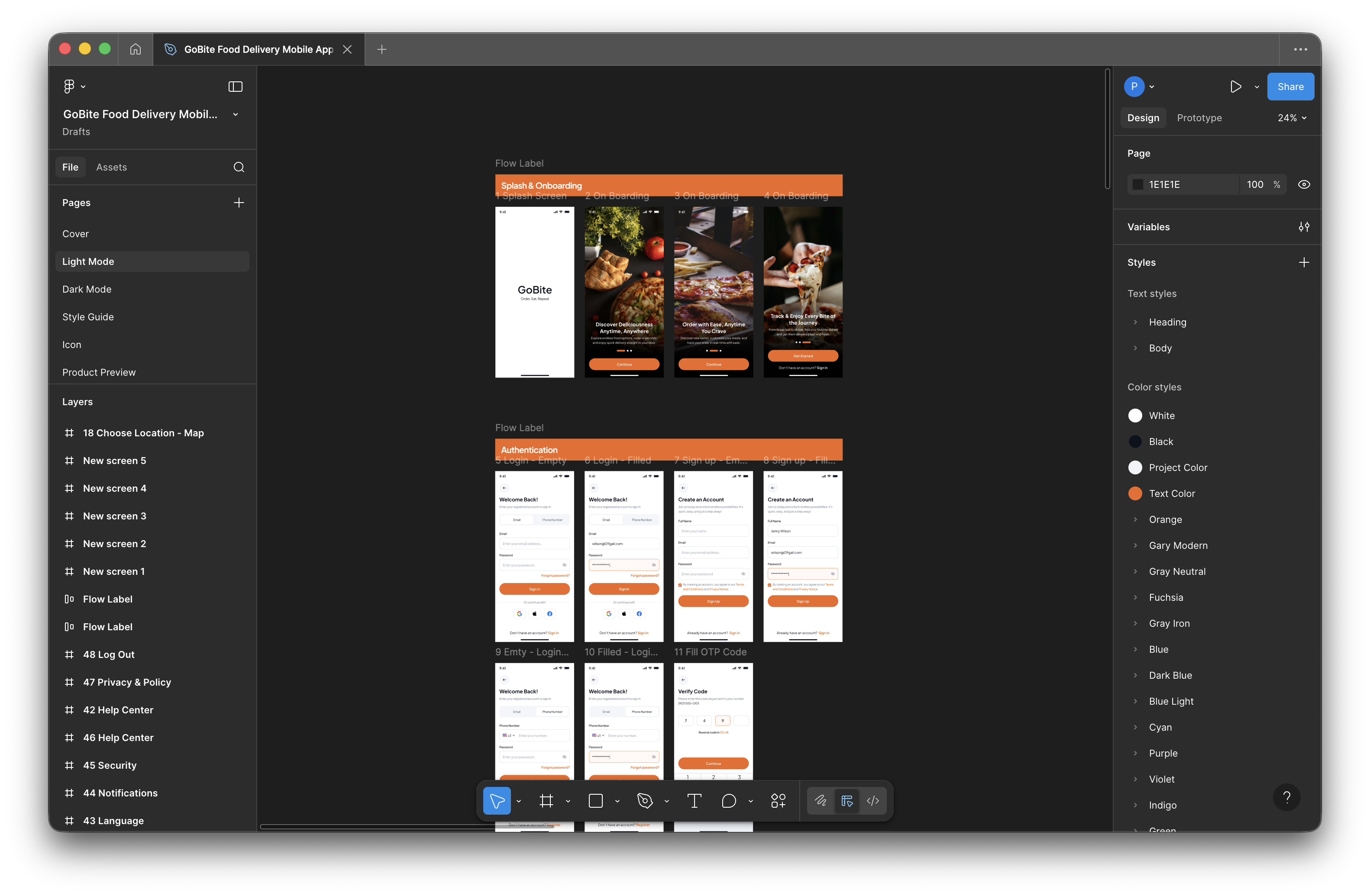
Design smarter in Figma

Flows, variations, iterations - grounded in your design system. In seconds.

Use cases

Build flows. Explore variations. Iterate in seconds.

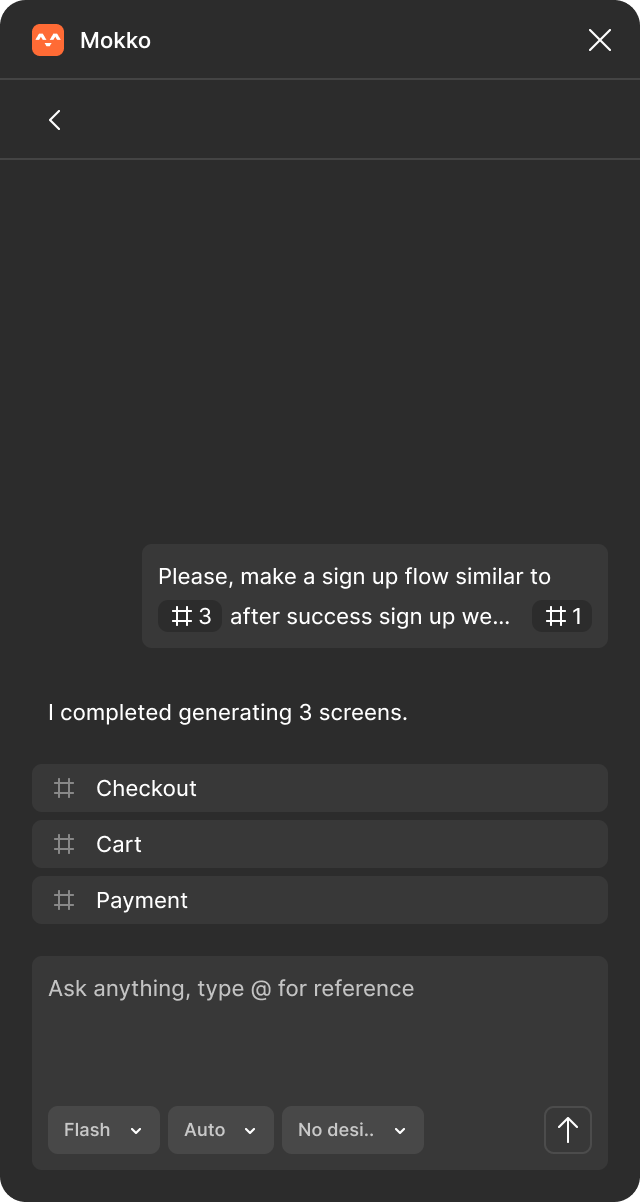
Generate entire flows in minutes. Mokko thinks through user journeys and edge cases so you can validate before committing to build.

Show up with options, not excuses. Explore layouts, copy, visual directions for A/B tests or redesigns - grounded in your design context.

Turn comments into updated screens without starting over. Test different interpretations. See how changes ripple through the flow.

|
Flash
Auto
No desi..
How it works

Native to Figma. True to your product.

01

Install the Figma plugin

No new tools to learn. No context switching. Work right where you are.
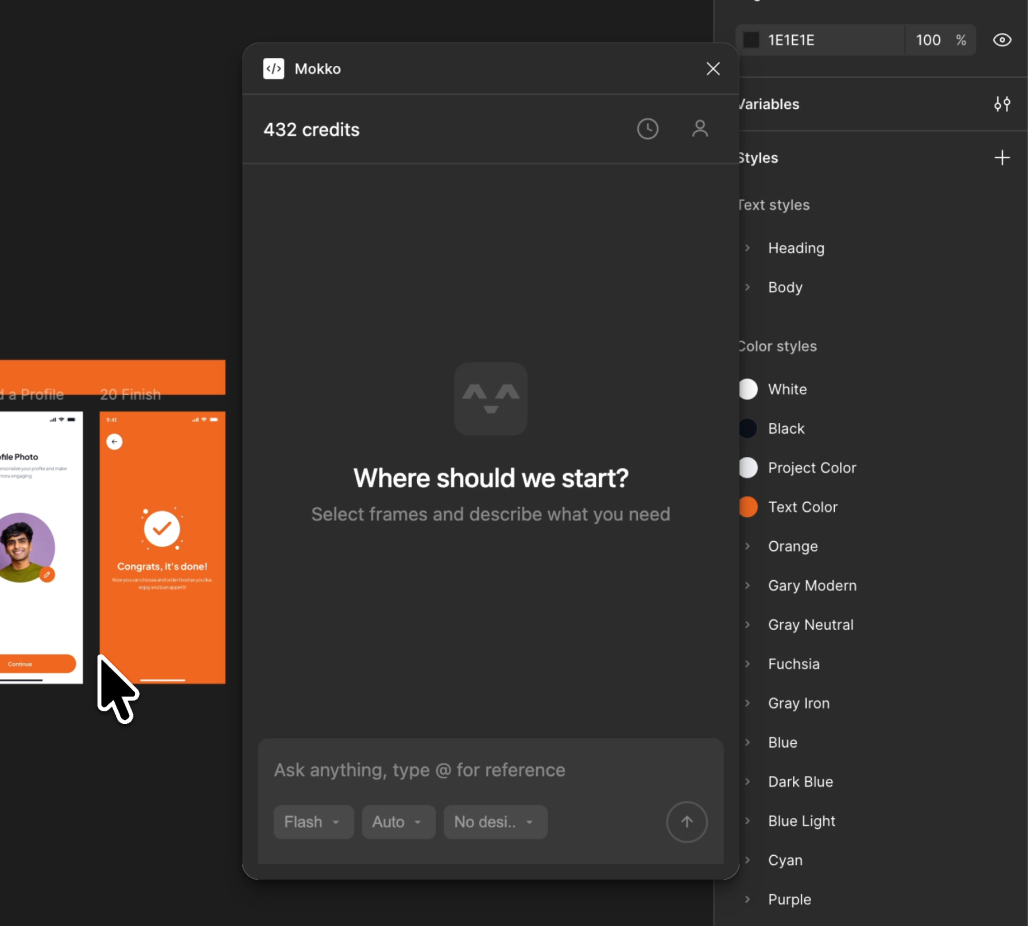
Installing Mokko plugin in Figma
02

Select screens to build from

Pick relevant screens as reference. Add design system or PRD for better consistency.
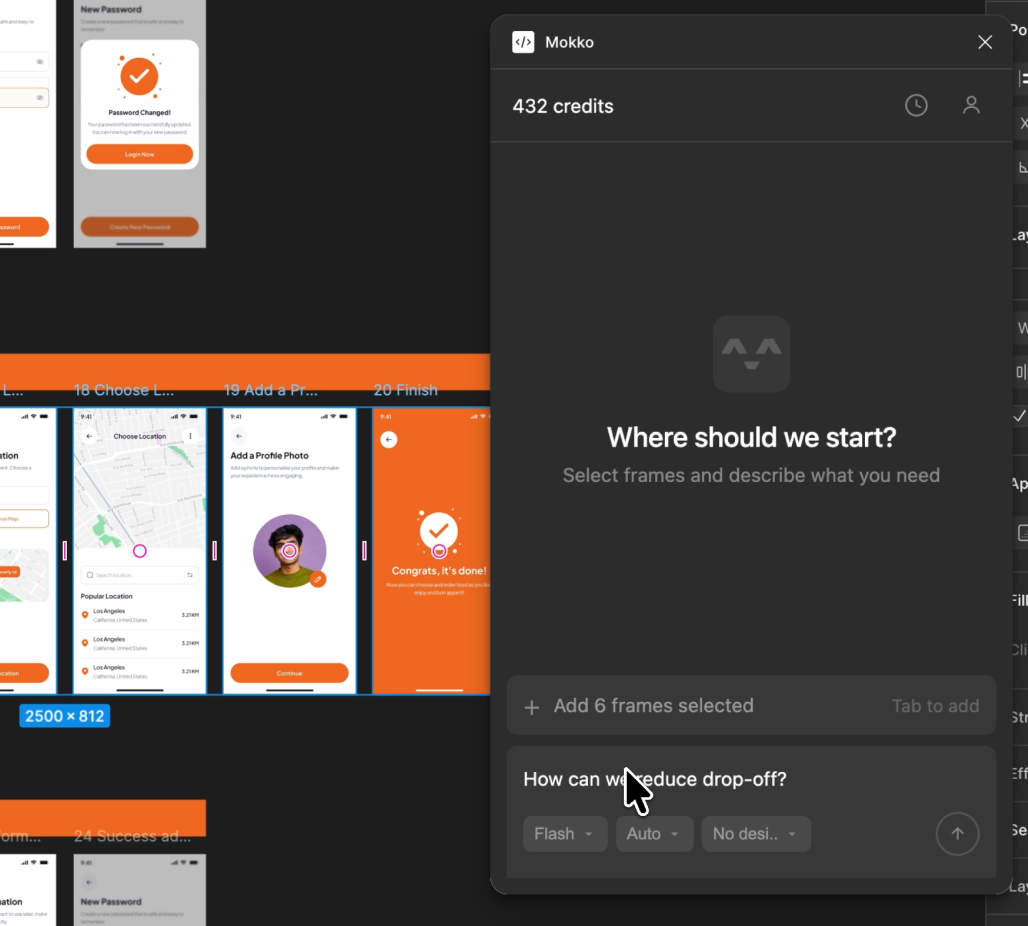
Adding design context and design system
03

Chat and see new screens appear

Explore variations, new flows, or edge cases. Get contextual screens ready to refine.
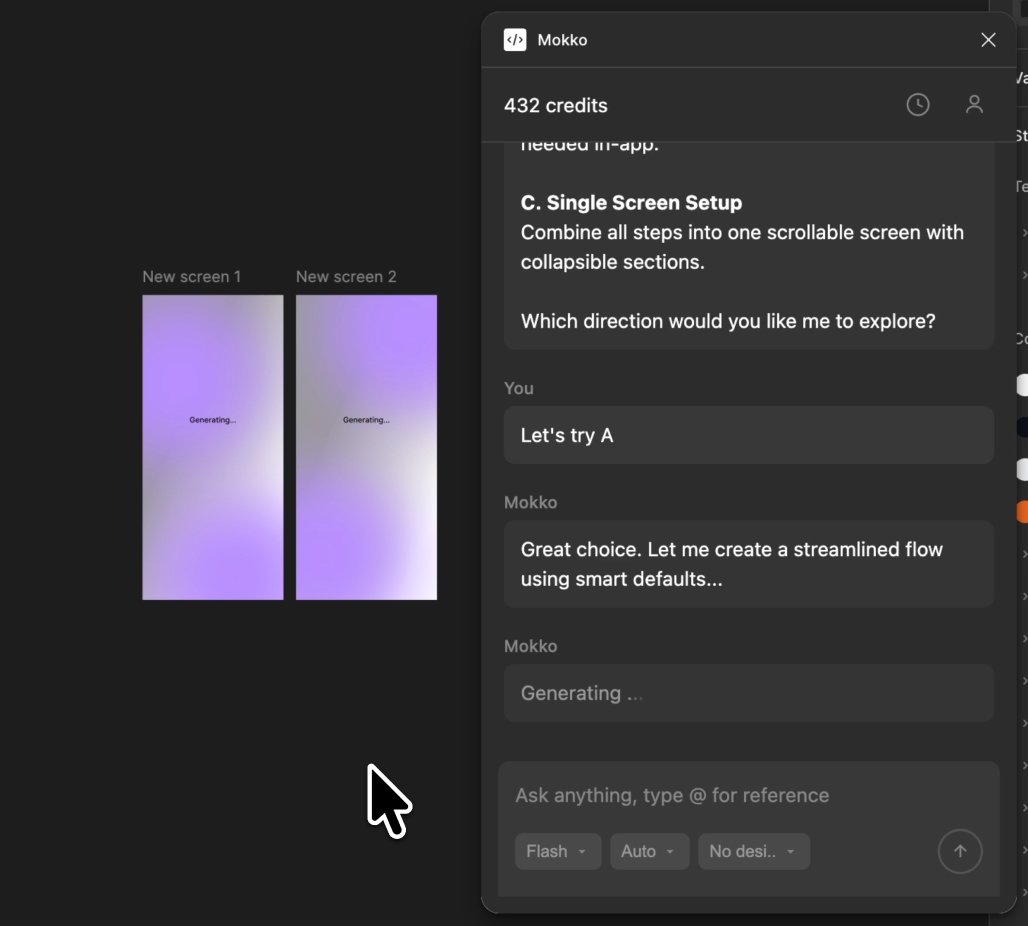
AI generating design mockups from prompts

Wave goodbye to

blank canvas paralysis
  • blank canvas paralysis
  • pixel-pushing for hours
  • manual variation work
  • revision hell
  • rebuilding from scratch
  • forgotten edge cases
Why Mokko

Create more. Push pixels less.

Figma design workspace
Mokko plugin

Delegate the tedious

Focus on craft. AI handles the mechanical.

Think it, see it

Explore freely. Your imagination is the only limit.

Spark unexpected ideas

Begin with options. Some might surprise you.

Never think alone

Brainstorm, critique, refine. Always someone in your corner.

Pricing

Start free. Scale when ready.

Monthly Yearly SAVE 26%
STARTER
$0

Try Mokko risk-free

  • 30 screens / month
  • 1 project
  • 1 design system
  • Standard model
TEAM
$39 /seat/mo

For design teams

  • Everything in Pro, plus:
  • 500 shared screens / month
  • Shared workspace
  • Team library
  • Admin controls
  • Priority support

Questions?

No. Mokko handles the repetitive variation work so you can focus on the decisions that actually matter. You direct - AI executes. Think of it like autocomplete for design: it speeds up the mechanical parts, but you're still in control of the creative direction.

Mokko follows your existing design system - not generic templates. Select screens from your Figma file and the agent learns your components, spacing, typography, and visual language. Import your design tokens for even tighter consistency. You can also define your brand tone and add product context - like "enterprise B2B" or "friendly consumer app" - so outputs match not just how your product looks, but how it feels.

No. Mokko works with or without a formal design system. If you have one, import it for tighter consistency. If not, select a few screens as context and Mokko learns from those. You can also skip context entirely for quick explorations.

Absolutely. Everything Mokko generates is standard Figma frames — fully editable, ungrouped, using real layers. Think of outputs as smart starting points, not locked artifacts. Refine them however you want.

Nothing. Mokko never modifies your existing work. All outputs are placed as new frames alongside your originals. Your source designs stay untouched.

Yes. Your designs are processed securely and never used to train AI models. We don't store your Figma files — only session history and snapshots you explicitly reference.